
Solo
One tech
$87.50/mo
$17550% off launch
Keep a busy office from becoming an unclear next step.
Overflow answering provides a backup when your office is open but its usual staff cannot take the call. It addresses busy periods, overlapping calls and time spent helping customers already on the line.
Revo’s Services page describes configurable answering timing, including answering after a few rings or during selected hours. Confirm how that behavior works with your phone provider and supported setup; no particular forwarding method is assumed.
Choose the trigger with your team: unanswered ringing, a busy line or a planned period of limited coverage. Overflow differs from after-hours coverage because the office remains open.
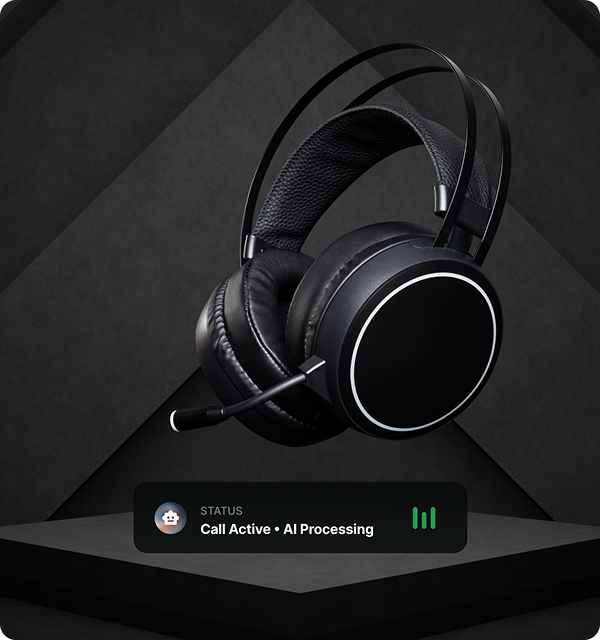
The caller should know whether they are leaving a service request, receiving confirmed scheduling information or waiting for a callback. Do not promise immediate access to a staff member just because the office is open.
For example, while the receptionist is assisting another customer, the backup can collect the requested service, property ZIP code and callback details under your approved policy. This is an illustrative intake scenario, not a measured reduction in missed calls.
Decide who reviews overflow requests during the day, where that person checks them and how unresolved requests are tracked. A call summary is useful only if someone owns its next step.
Team transfers are excluded from Solo and included in Crew and Fleet in the shared official pricing data. A transfer entitlement does not establish that a person will answer; review the unavailable-person fallback.
Review a call while the office is already on another line, a call that the office answers before the backup trigger and a request that cannot be transferred. Confirm who handles each outcome.
Track handled requests and actual follow-up using your own records. Do not assume every overflow call is a qualified job or that backup coverage guarantees revenue.
These guides use Revo’s published service descriptions and shared plan data. Confirm the current offer and supported setup before routing customer calls.
Compare included minutes and plan features against your call-handling needs.
One tech
One crew
Multi-location
Review the details before choosing how your business handles calls.
Check the next stepNo. Overflow backs up an open office when staff are busy. After-hours coverage follows the closed-office policy.
Choose a timing rule with your team and confirm that your phone provider and answering setup support it. This guide does not prescribe a universal ring count.
The shared official pricing data excludes transfers from Solo and includes them in Crew and Fleet. Confirm the supported setup and fallback before using transfers.
Compare plan features and the practical considerations for handling your calls.
Explore the plansRead the guides and compare your call-handling options.
Explore the plans